01
Open
Select a local video or audio recording and start a project.
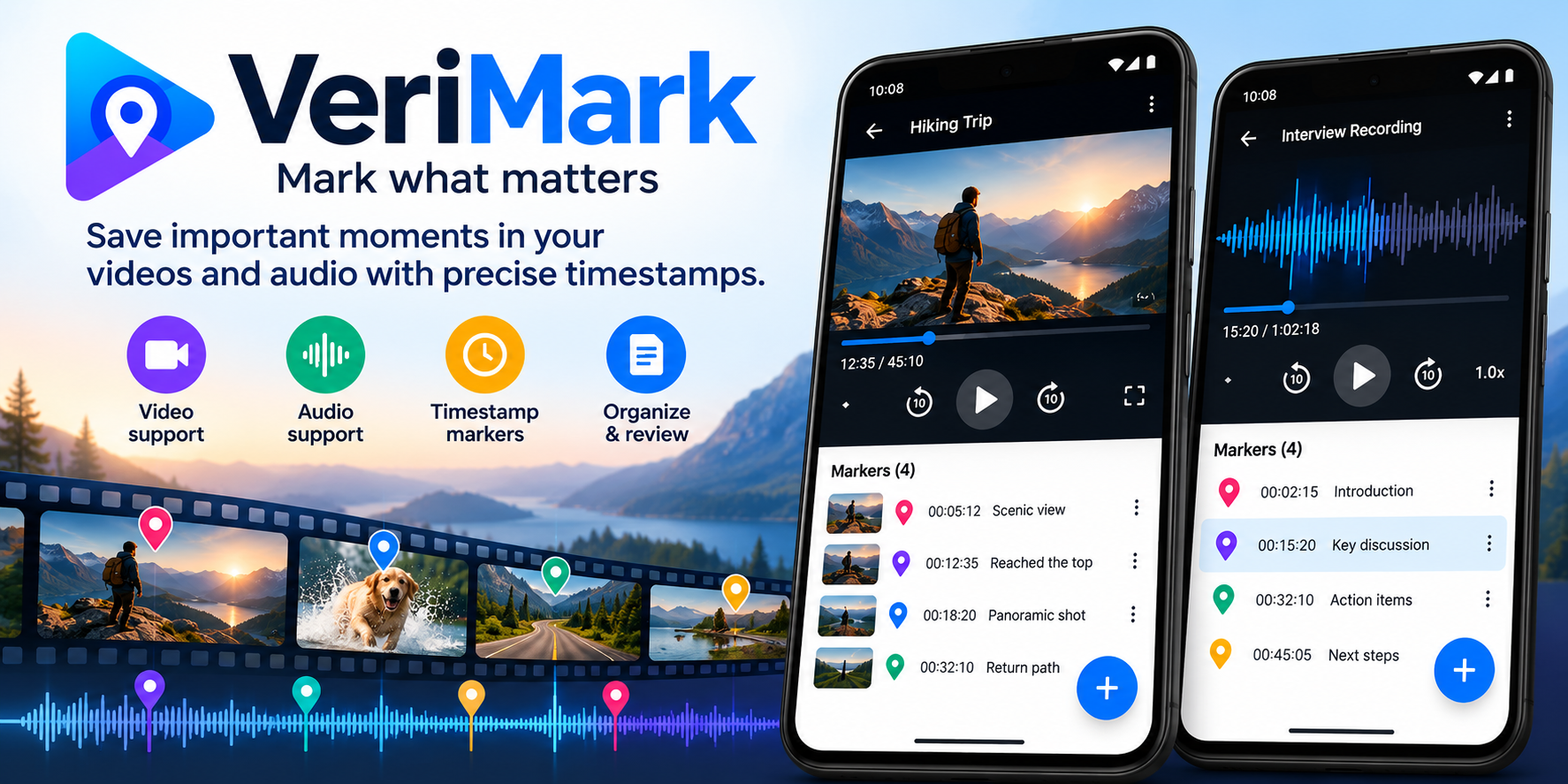
VeriMark turns long recordings into structured reviews. Play, mark important moments with precise timestamps, add context, and return to them instantly.
VeriMark is intentionally simple: open the recording, capture what matters, and keep a clean timeline you can return to later.
Select a local video or audio recording and start a project.
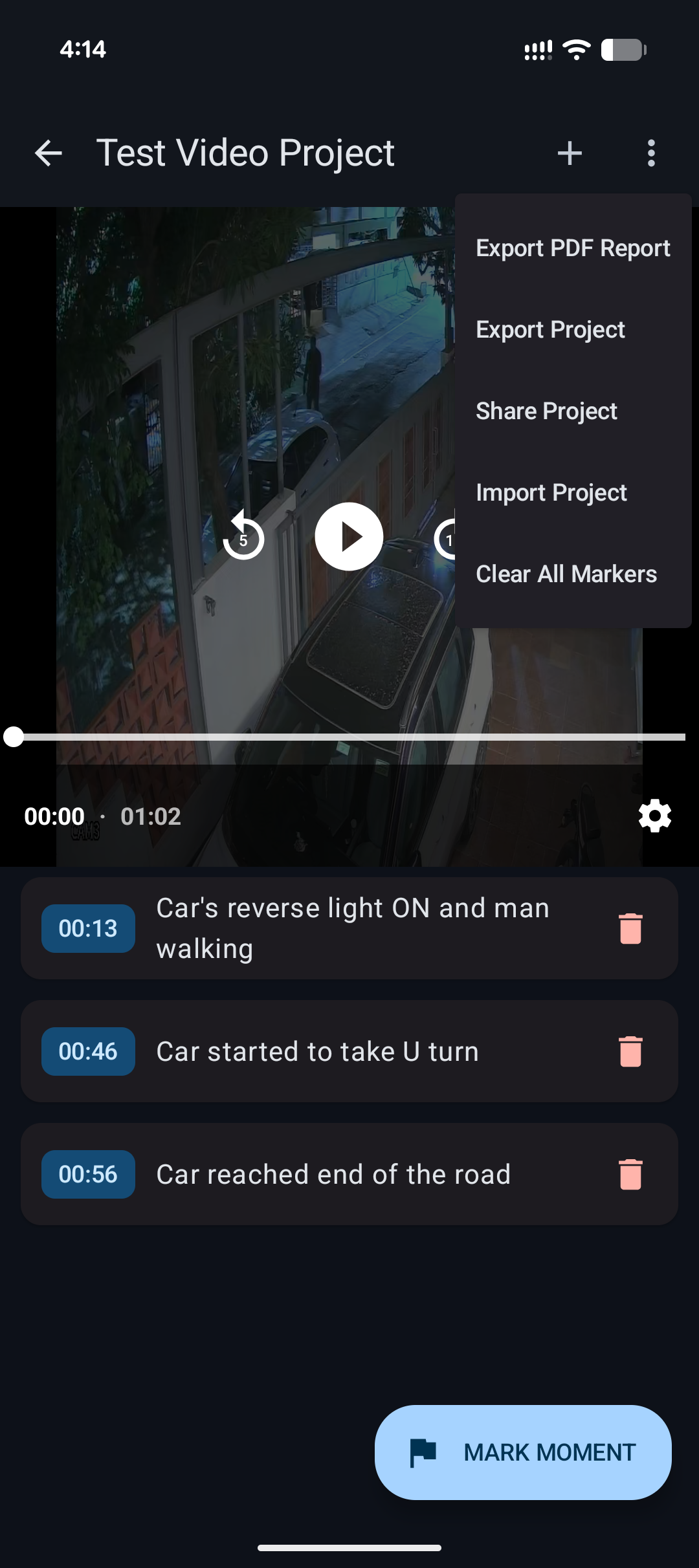
Tap MARK MOMENT when something important happens and add a label or note.
Use your timeline to jump directly back to any marked timestamp.
Export a structured PDF or share a portable .verimark project.
Useful when a recording is too long to skim repeatedly and the moments that matter need to be captured cleanly.
VeriMark separates playback from your notes so the timeline becomes the useful summary of a long recording.
Actual VeriMark screens — not mockups. Tap any image to view it larger.
VeriMark is designed around local media and on-device project storage. Core review does not require uploading recordings to a cloud service or creating an account. When you buy Pro, payment processing is handled by Google Play.
The free version keeps the core review workflow useful. Pro removes limits and the PDF watermark.
Enough to see whether VeriMark fits your workflow.
Best value for regular reviewing and reporting.
Pay once and keep Pro permanently.
Keep the product story simple, especially when sharing VeriMark with someone new.
No. The review workflow is designed for local recordings and on-device project storage. VeriMark does not need a cloud account to review media.
Yes. VeriMark supports the same timestamped marker workflow for video and supported local audio formats.
It is a portable project package containing project information, markers and the associated recording so it can be shared and imported into VeriMark.
No. Importing and sharing .verimark projects remain part of the core workflow. Pro is for removing limits and PDF watermarking.
Pro unlocks unlimited projects and markers and removes the VeriMark watermark from exported PDF reports.
Yes for core review. Google Play is only involved when you purchase or restore a Pro entitlement.
VeriMark keeps the review workflow simple, fast and local — so the important moments don't get lost inside a long recording.